Bringing Nunchaku 4-bit Diffusion Inference to Diffusers
Hugging Face table of Contents Getting started with Nunchaku Lite Background: SVDQuant and Nunchaku Introducing Nunchaku Lite Native loading in Diffusers Hardware support Getting more speed and lower memory Benchmarks End-to-end latency and memory Image quality Quantizing your own model 1. Inspect what will be quantized 2.
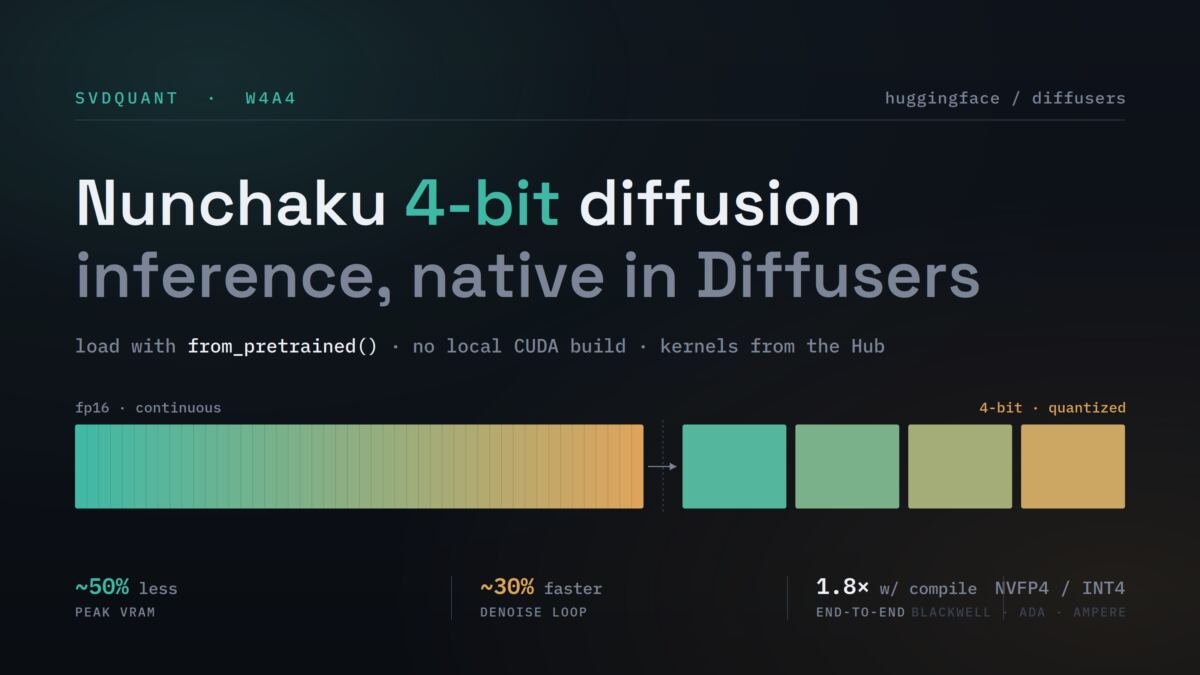
Run quantization 3. Package a Diffusers pipeline 4. Load, verify, and push to the Hub Quantizing models with structural rewrites Ready-to-use checkpoints Conclusion Acknowledgements Large diffusion transformers can create stunning images (or even videos, audio snippets, and now text), but loading a modern text-to-image model in BF16 precision often requires 20-30 GB of VRAM, which puts these models out of reach of most consumer GPUs. Quantization is a powerful solution to this problem, and Diffusers already integrates several quantization backends such as bitsandbytes, GGUF, torchao, and Quanto, which we covered in Exploring Quantization Backends in Diffusers. Most of these backends are weight-only. This means that they store the weights in low precision and dequantize them back to high precision at compute time. This reduces memory usage significantly, but it usually does not make inference faster, and can even add a small latency overhead. SVDQuant, the quantization method behind the popular Nunchaku inference engine, takes a different approach. It runs the main transformer layers with 4-bit weights and activations (W4A4), reducing memory while also speeding up the denoising loop. The details are covered below, but until now, using these checkpoints required a separate inference library. With current Diffusers, loading a Nunchaku checkpoint is as simple as calling from_pretrained(), with no local CUDA compilation required thanks to the kernels package. In addition, the companion diffuse-compressor toolkit lets you quantize new architectures yourself and publish them as regular Diffusers repositories. First, install the requirements. You need a recent version of Diffusers and the Hugging Face kernels package: pip install -U diffusers transformers accelerate kernels bitsandbytes Then load a pre-quantized pipeline like any other Diffusers model: import torch from diffusers import ErnieImagePipeline pipe = ErnieImagePipeline.from_pretrained( “lite-infer/ERNIE-Image-Turbo-nunchaku-lite-nvfp4_r32-bnb4-text-encoder”, torch_dtype=torch.bfloat16, ).to(“cuda”) image = pipe( prompt=”A cinematic portrait of a red fox in a misty forest at sunrise, ” “detailed fur, volumetric light”, height=1024, width=1024, num_inference_steps=8, guidance_scale=1.0, generator=torch.Generator(“cuda”).manual_seed(42), ).images[0] image.save(“output.png”) No custom pipeline class or separate inference engine is needed, and there is nothing to compile locally. The NVFP4 kernels are downloaded from the Hub through the Nunchaku Lite kernels page the first time they are used.