Create, edit and star in videos with two Google Vids updates
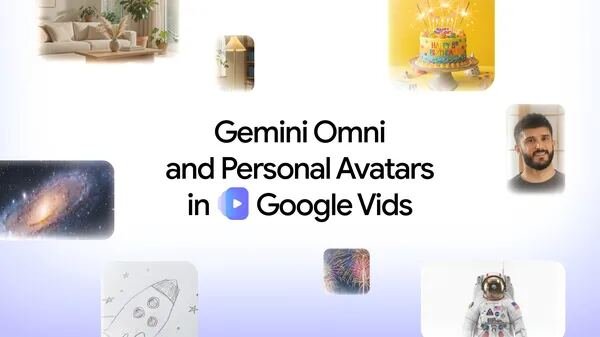
Gemini Omni and personal avatars in Google Vids make video creation easier than ever. Now you can generate and edit high-quality clips using everyday language, and create a custom digital avatar to star in your videos.
Google Vids now features Gemini Omni, which lets you generate and edit high-quality videos using simple text prompts and image references. You can also create a digital avatar to deliver messages for you by uploading a selfie and a voice recording. Check your eligibility for these tools and start experimenting with your next video project today. Google Vids now uses AI to help you make videos just by typing what you want to see. You can even edit your clips by simply describing the changes you need. If you don’t want to be on camera, you can create a digital avatar that looks and sounds like you. Every AI-made video gets a special watermark so people know it was generated. Today, we’re rolling out two new updates to Google Vids to make it easier than ever to create, edit and personalize your videos: Gemini Omni and personal avatars. Gemini Omni takes the hard work out of the editing process, so generating and refining high-quality clips is as easy as writing a simple prompt. And with personal avatars, you have an entirely new way to star in videos without setting up a camera. Here’s a look at how these new tools transform video creation. In the past year, you’ve created millions of videos in Google Vids to share your stories and bring your ideas to life. In February, we made the process simpler by rolling out Veo 3.1 to all users, helping everyone generate videos within Vids. Now, we’re bringing Gemini Omni to Vids, so you can create and edit high-quality videos just by describing what you want to see. Start with a simple text prompt in natural language, and add image references — like a photo or a rough sketch — for more detail.