Migrating Your GitHub CI to Hugging Face Jobs
Hugging Face outlined updates on Migrating Your GitHub CI to Hugging Face Jobs: migrating Your GitHub CI to Hugging Face Jobs
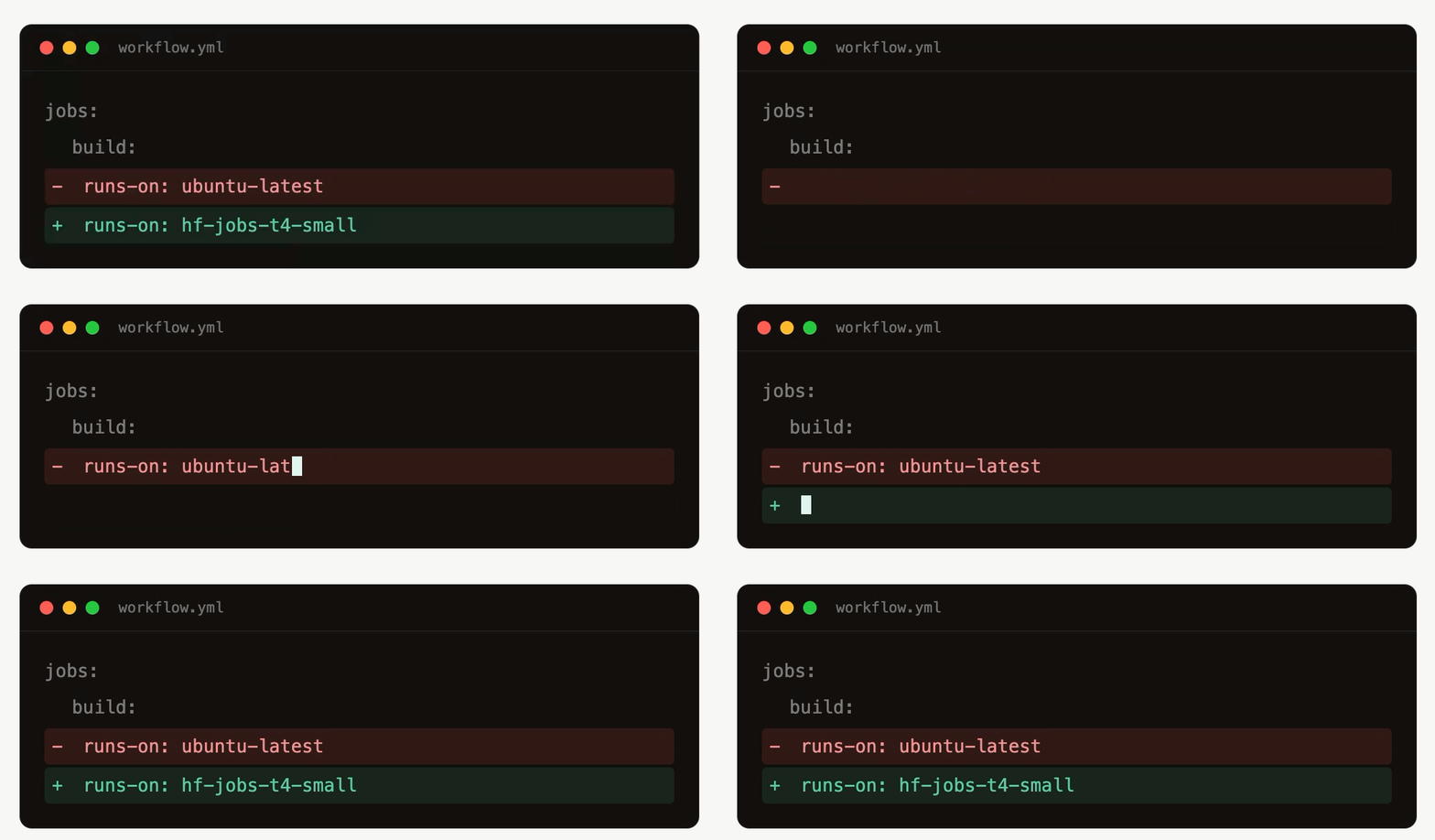
That is the default for many projects because it is simple: add a workflow, write runs-on: ubuntu-latest, and GitHub gives you a machine. That default is convenient, but it also has limits. GitHub Actions can be slow or down for maintenance, the hosted machines are generic, and GPU access is not something most open-source projects can just turn on. For Trackio, those limits started to matter. We wanted both reliable CPU CI for basic unit tests and frontend checks, but also GPU CI for tests that need to run on actual CUDA hardware. So built an alternative: keep GitHub Actions in charge of CI, but run the jobs on Hugging Face Jobs. The result: Trackio’s CI now runs on Hugging Face Jobs and streams back real-time logs, cutting our CI time for CPU jobs by about 30% and enabling a whole new test suite that runs on GPU machines! In this article, we explain step-by-step how to recreate the same setup for your GitHub repo. If you are using an agent, you can point it to this article, since we provide CLI instructions alongside browser-based instructions for us humans. Let’s start with a quick intro to Hugging Face Jobs! Hugging Face Jobs lets you run commands or scripts on Hugging Face’s serverless infrastructure with almost any hardware flavor. A Job is essentially: hf jobs run python:3.12 python -c “print(‘Hello world’)” or hf jobs uv run –flavor a10g-small “https://raw.githubusercontent.com/huggingface/trl/main/trl/scripts/sft.py” That makes Jobs a natural fit for CI. CI jobs are already command-driven, already run in clean environments, and often benefit from choosing exactly the right hardware. For ML libraries, the GPU case is especially compelling: you can run a test suite on real GPU hardware without maintaining your own always-on runner. The key step is connecting GitHub Actions to HF Jobs, which we describe below.